

On 29 July 2015 Microsoft rolled out Windows 10 and called it the last version of Windows. Not the last operating system, the last version, a living service that would quietly evolve in place. Fast forward to 2021 and Windows 11 walks on stage, which means today, 14 October 2025, feels less like a funeral and more like the end of a plot twist. The sequel arrived, the credits are rolling, and the ushers are asking us to clear the aisle.
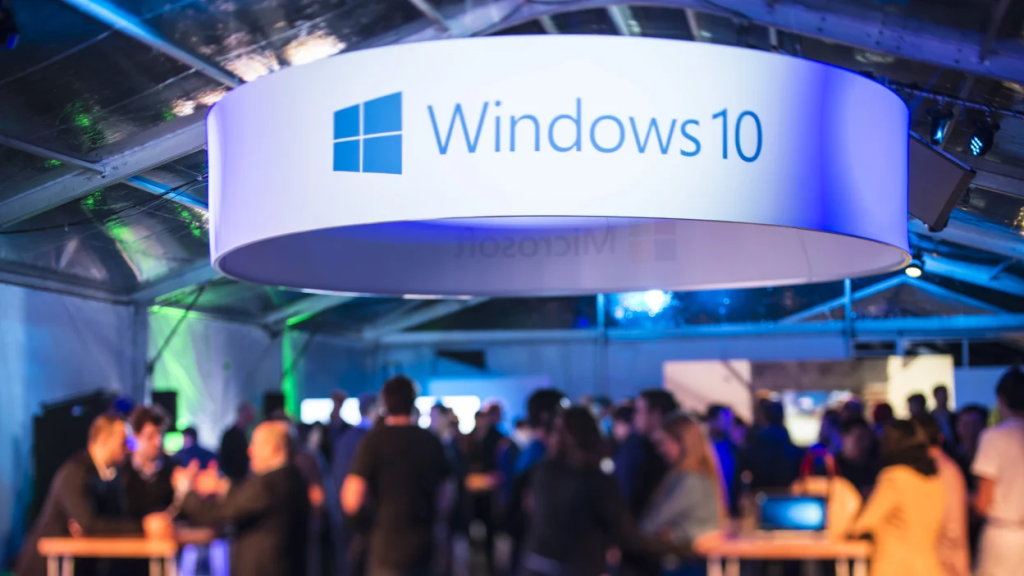
If you like your trivia with a side of nerd, those early Windows 10 builds were codenamed Threshold and Redstone, a wink to Halo and Minecraft. The marketing slides said servicing, the engineers said rings, the rest of us said can we just get this update out without breaking the VPN. Somewhere along the way, the muscle we built for continuous change became the muscle we need now.
Version 22H2 is the last Windows 10, full stop. There is no 23H1 hiding behind the curtain, there is only your plan to leave the stage clean. Take the trivia as your icebreaker for the town hall, then pivot to the serious bit, how you finish the exit, how you shrink the attack surface, how you land on Windows 11 with fewer moving parts than you started with.
The enterprise reality
Two facts to anchor your leadership update. Windows 10 version 22H2 is the final build, and Windows 10 is now out of support. If you must buy time, Extended Security Updates are available, year one is around $61 per device, and the price doubles each year for up to three years. Treat ESU as a seatbelt, not a sofa.
There is a small cushion for Microsoft 365 Apps, which will continue to receive security updates on Windows 10 until October 2028 while you transition. That means fewer fire drills while you complete the estate clean up, not a reason to stop.
LTSC is a valid exception when it is truly an exception. Windows 10 Enterprise LTSC 2021 is supported until January 2027, and Windows 10 IoT Enterprise LTSC 2021 runs until January 2032. Perfect for kiosks, labs, medical, and embedded scenarios where a move to Windows 11 is not possible yet. Document every LTSC carve-out with an owner and end date.
The last-mile exit plan
1) Inventory and segment, then set your finish line.
Define four paths: in-place upgrade to Windows 11, replace, retire, or move to LTSC. Publish a target date where Windows 10 is under 1 percent of active devices, then hold yourself to it.
2) Hardware readiness at scale.
Report on TPM 2.0 and CPU generation, map non-compliant hardware to refresh or to Windows 365 or Azure Virtual Desktop as a bridge. Those Windows 10 VMs and Cloud PCs include ESU at no extra cost, which can simplify the transition for stubborn workloads.
3) App compatibility and assurance.
Most apps that run on Windows 10 run on Windows 11. For the sticky ones, use App Assure, it exists to help eligible customers remediate line-of-business and ISV apps. Keep a short issues list with owners and ETAs.
4) Govern the rollout with rings.
Use Intune feature update policies to pin the version, pair them with update rings for cadence and control. If you want more automation and built-in reporting, look at Windows Autopatch groups. Use the same ring names everywhere so executives, engineers, and service desk read the same map.
5) Buy only the runway you need.
If ESU is required, decide where it applies, for how long, and when spend goes to zero, then assign the cost centers. Year two and three get eye-wateringly expensive, so plan your step-down by name, not by hope.
6) Exceptions that stand up to audit.
For labs, OT, retail, and medical, either move to Windows 11 with servicing guards or place into LTSC with vendor statements, isolation controls, and lifecycle dates on the record. Review quarterly.
Closing thought
Windows 10 taught us how to live with continuous change, Windows 11 is where we turn that muscle into a security advantage. The finish line is not a date on a slide, it is a smaller attack surface, a cleaner estate, faster updates that actually stick, and fewer moving parts for your teams. Finish strong, then keep it tidy.
 Modern Work James